OS
Olyver SturdivantHow to Set Up an AI Receptionist for Your Orthodontic Clinic
Key Takeaways
- Most clinics go live with an AI receptionist in under one hour — no IT department required
- Start with after-hours and overflow calls before expanding to full coverage
- The onboarding form takes 15 minutes — clinic details, hours, appointment types, insurance plans
- PMS connection is handled by the vendor team, typically in under 30 minutes
- Test by calling the AI yourself before forwarding live patient calls
- Review AI-booked appointments daily during the first two weeks to catch edge cases
- Expect the system to improve significantly after 60-90 days of real call data
Getting Started Is Simpler Than You Think
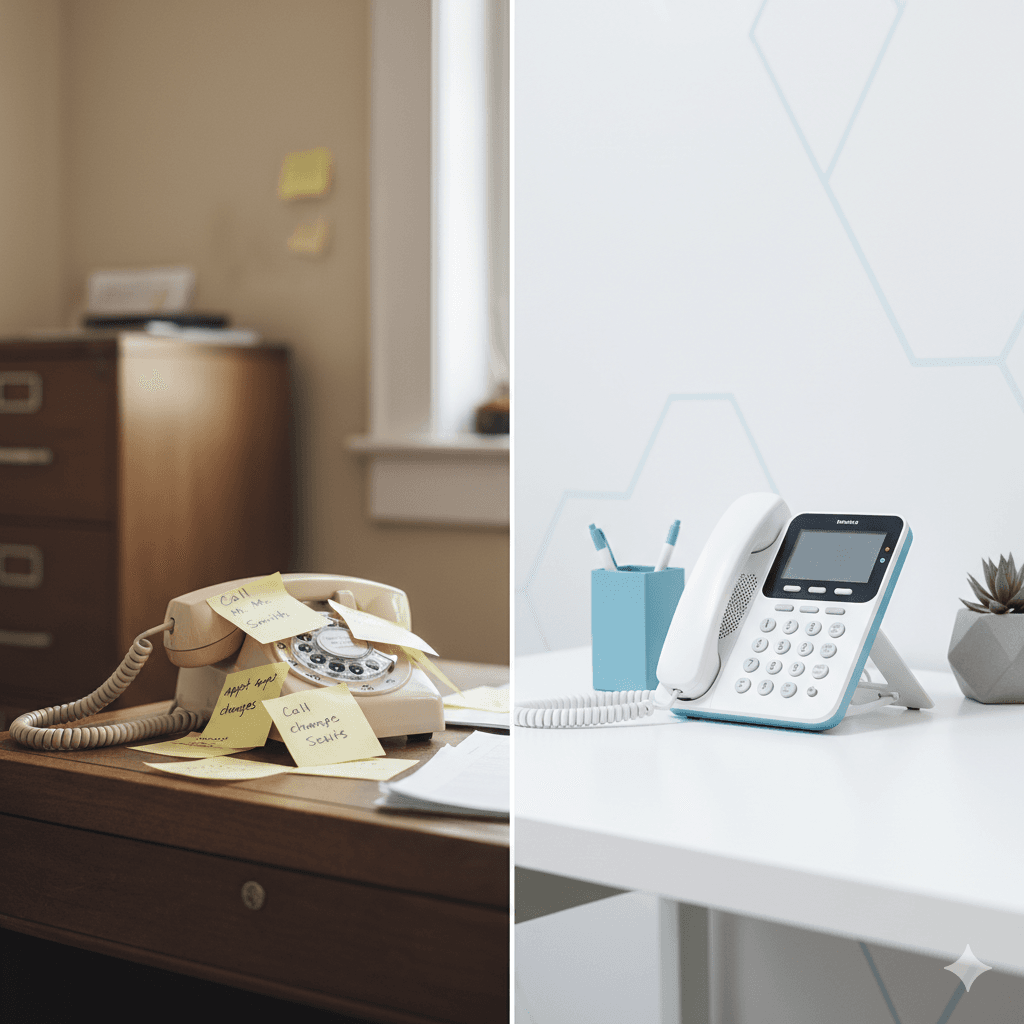
Most orthodontic clinics assume implementing an AI receptionist requires weeks of IT work, complex integrations, vendor meetings, and extensive staff training. That assumption is based on how enterprise software worked five years ago. Modern AI receptionist platforms are built for same-day deployment.
Orthia gets practices live in under one hour from signup. No IT department. No multi-week implementation timeline. No complex migration. Here is exactly how it works, step by step.
Step 1: Complete the Practice Profile (15 Minutes)
The onboarding form captures everything the AI needs to represent your clinic accurately. You provide:
Practice basics — office name, address, phone number, hours of operation for each day of the week, holiday schedule, and after-hours protocols.
Appointment types and durations — new patient consultations (30-60 min), records appointments (30-45 min), bonding (1-2 hours), adjustments (15-30 min), debonds (80 min), retainer checks (15-20 min), emergency visits, and TC consultations. The AI needs to know these to schedule correctly.
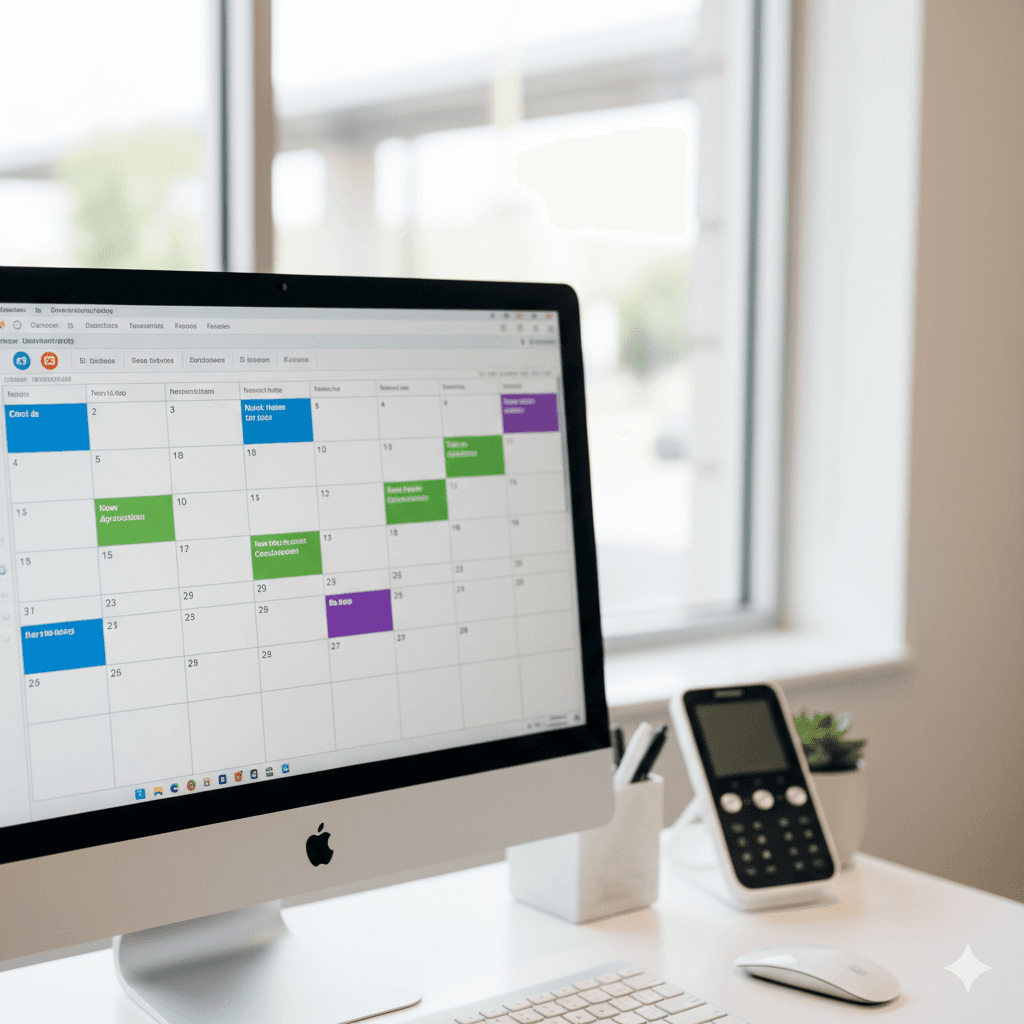
Scheduling rules — which providers see which appointment types, minimum buffer time between appointments, blocked lunch hours, and any chair-specific scheduling constraints.
Insurance information — which plans you accept, whether you are in-network or out-of-network for specific carriers, and your orthodontic benefit verification requirements. Getting this right is critical because orthodontic insurance verification is far more complex than dental.
Common patient questions — your most frequently asked questions and the answers you want the AI to give. Directions, parking, what to bring to a first appointment, emergency protocols, payment plan options.
Most clinics complete this in 15 minutes. If you have an office manager who knows these details, it goes even faster.
Step 2: Connect Your PMS (Handled by Orthia)
The Orthia implementation team connects directly to your practice management system. You provide access credentials — they handle the technical setup. No IT department required.
For cloud-based PMS (Cloud 9, Dentrix Ascend, Curve Hero, Ortho2 Edge): Connection is typically API-based and takes 10-15 minutes.
For server-based PMS (Dentrix, Eaglesoft, Open Dental): Connection uses a secure bridge that the team installs remotely, taking 15-30 minutes.
Once connected, the AI can read your live schedule, write appointments, look up patient records, and verify insurance in real time. For more detail on what genuine AI receptionist PMS integration looks like and why it matters, we cover that in a separate guide. The team tests the connection with sample queries to confirm everything works before you go live.
Step 3: Test and Customize (15 Minutes)
Before routing live patient calls, you test the AI yourself. Call the Orthia number assigned to your clinic. Try these scenarios:
- Schedule a new patient consultation
- Ask about your office hours and location
- Ask if you accept a specific insurance plan
- Request an emergency appointment for a broken bracket
- Ask about payment plan options
Listen for accuracy, tone, and pacing. If anything sounds off — the greeting, the tone, the way it describes your clinic — flag it immediately. The team adjusts scripts, voice style, and response logic in real time during this session.
Once you are satisfied, forward your calls and you are live.
Step 4: Choose Your Coverage Model
The lowest-risk, highest-return starting point is after-hours and overflow coverage. This means the AI only answers calls that your team cannot get to — after hours, during lunch, and when all lines are busy. You are capturing calls that would otherwise go to voicemail, so the only possible outcome is improvement.
After-hours only: AI answers calls outside your office hours (evenings, weekends, holidays). Your team handles everything during business hours.
Overflow coverage: AI picks up calls that ring more than 3-4 times without an answer during business hours. Your team is the first line — AI catches what they miss.
Full coverage: AI answers all inbound calls 24/7 and routes complex situations to your team. This works best for high-volume practices and multi-location groups.
Most clinics start with after-hours + overflow and expand to full coverage after 30-60 days of confidence-building.
What Happens After Go-Live
The first 48 hours
The AI handles incoming calls immediately. Your staff receives real-time notifications for every call handled, appointment booked, and message captured. A dashboard tracks call volume, booking rates, and any calls that required human follow-up.
The Orthia team monitors your instance actively during the first 48 hours, catching edge cases and tuning responses based on real call patterns unique to your clinic.
The first two weeks
This is the calibration period. The AI will encounter scenarios specific to your clinic that were not covered in onboarding — a patient asking about a provider who left last month, a question about a promotion you are running, a scheduling constraint you forgot to mention.
Review AI-booked appointments daily during this period. Flag anything that looks wrong — wrong appointment type, wrong duration, wrong provider. The team adjusts the system each time. By the end of week two, the most common edge cases are resolved.
30 to 90 days
The system stabilizes. Call handling accuracy improves with each week of real data. By 60 days, most clinics report the AI handling 80-90% of routine calls without human intervention. By 90 days, you have reliable baseline metrics to measure ROI.
Preparing Your Team
Front desk staff often worry that AI means their job is being eliminated. In almost every successful implementation, the opposite happens. Address this directly before go-live.
Frame it correctly: The AI handles the repetitive, high-volume calls that interrupt your team all day — "what are your hours?" "do you accept Delta Dental?" "I need to reschedule my adjustment." This frees your staff to focus on the work that requires human skill: in-person patient care, treatment coordinator conversations, complex insurance cases, and building patient relationships.
Involve them in testing: Have your front desk team call the AI during the testing phase. They will catch issues you would not think of because they know the common patient questions and edge cases better than anyone.
Share the data: After the first week, show your team the dashboard. When they see that the AI captured 15 after-hours calls that would have gone to voicemail — calls that are now booked appointments generating revenue — the value becomes tangible.
Common Concerns and Honest Answers
"What if patients hate talking to AI?" They do not. Patients consistently rate well-configured AI conversations as helpful and efficient. They care about getting their question answered and their appointment booked. The clinics that see pushback are the ones using generic, poorly configured AI that cannot handle basic orthodontic questions.
"What about emergencies?" Orthia includes severity-based emergency triage designed specifically for orthodontics. A loose bracket gets different handling than a wire poking the cheek, which gets different handling than severe jaw pain. True emergencies are routed to your staff instantly via text, call, or dashboard alert.
"Can we customize everything?" Yes. Voice style, greeting scripts, scheduling rules, insurance handling, FAQ responses, escalation protocols, and emergency triage logic are all configurable per clinic. Multi-location clinics can have different configurations per office.
"What if we want to cancel?" No long-term contracts. You can cancel anytime. The risk of trying an AI receptionist is effectively zero — you are either capturing patients you were previously losing, or you cancel and return to your current setup.
The Bottom Line
Setting up an AI receptionist for your orthodontic clinic is a one-hour process, not a one-month project. Start with after-hours and overflow coverage. Let the system prove itself on the calls you are currently missing. Review and refine during the first two weeks. By 90 days, you will have hard data on exactly how many patients and how much revenue the AI is capturing that was previously walking out the door.
If you are still comparing options, our breakdown of every dental AI receptionist platform can help you evaluate the field. The clinics seeing the best results across markets like Austin, Houston, Phoenix, and Atlanta are the ones that started simple, measured everything, and expanded based on data — not promises.
Frequently Asked Questions
With Orthia, most clinics complete onboarding and go live in under one hour. The process involves a 15-minute clinic details form, a vendor-handled PMS connection (under 30 minutes), and a quick test call before going live.
No. The Orthia implementation team handles the entire technical setup including PMS connection. You provide access credentials and they do the rest. Common systems like Dentrix, Cloud 9, Dolphin, and Ortho2 have standardized processes.
Modern AI voice technology has sub-100ms response times and natural speech patterns. Many clinics include a brief disclosure at the start of after-hours calls. Patients consistently rate the experience as natural and helpful — they care more about getting answers quickly than who answered.
Orthia includes severity-based emergency triage. Wire poking, bracket breakage, and severe pain are detected and routed to your staff instantly via text notification or dashboard alert. The AI does not attempt to handle clinical emergencies.
Absolutely. Frame it as removing the worst part of their job (constant phone interruptions) rather than replacing their role. In every successful implementation, staff satisfaction improves because they can focus on in-person patient care.
It will. The first two weeks surface edge cases specific to your clinic. Review AI-booked appointments daily, flag issues, and the vendor tunes the system. By week 4-6, accuracy stabilizes. By 90 days, it handles your specific workflows reliably.
OS
Olyver Sturdivant
Contributing writer at Orthia AI.